Using Suica and PASMO at Vending Machines
How to identify a compatible machine, tap a transit IC card correctly and recover when a contactless payment does not work.
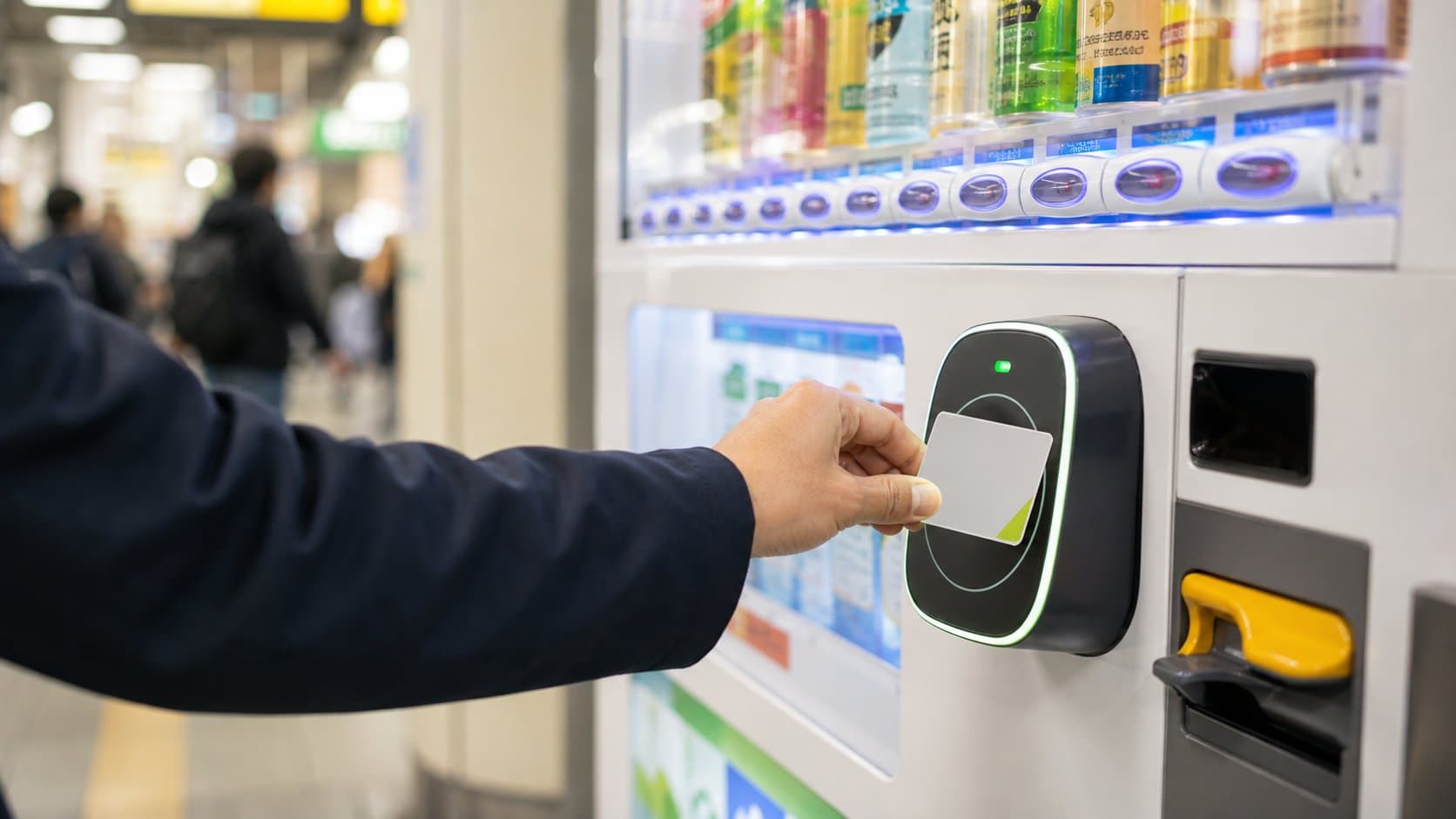
Suica and PASMO work at participating vending machines, not at every machine in Japan. The reliable signal is a supported transit e-money mark on the machine or reader.
What you will actually find
JR East says Welcome Suica can be used for shopping and at vending machines carrying compatible marks. Its official guide shows a common sequence: choose the item, hold the card against the sensor until the confirmation sound, then collect the item. PASMO likewise supports electronic payments at participating locations.
Practical advice
Check your balance first, select one available item and follow the order shown on the machine. Keep the card still on the reader until the payment confirms. JR East notes that Welcome Suica purchases cannot be split between the card balance and cash.
Read the logo, not the location
A machine beside a JR station is not automatically a Suica machine, and a PASMO card is not accepted merely because it worked at the nearest ticket gate. Look for the IC logo printed on the reader. JR East's Welcome Suica guidance lists the nationwide mutual-use marks that can apply, while also noting exceptions such as PiTaPa-area stores.
Balance and top-up are separate steps
A vending reader normally purchases from stored value; it is not necessarily a place where the card can be recharged. Top up at a supported ticket machine, convenience store or other official location before approaching the vending machine. PASMO says the stored balance cannot exceed ¥20,000, but travelers should add only what they expect to use.
One card or phone at a time
Remove the card from a wallet containing other contactless cards, or present one phone wallet deliberately. Hold it flat until the reader confirms instead of tapping repeatedly. If no confirmation appears, check the balance and supported mark, then use cash or another machine rather than creating several uncertain payment attempts. Because a vending purchase may not issue a paper receipt, check the displayed price before touching the reader and confirm that exactly one item drops.
Tap without confusion
- Look for a compatible IC or nationwide mutual-use mark.
- Confirm the item is not sold out and note the price.
- Select the item if the machine instructs you to do so first.
- Hold one card or phone to the reader until it confirms.
- Collect the product and check the remaining balance if shown.
Continue planning
What not to assume
A transit card that works at a ticket gate is not automatically accepted by every vending machine. Do not tap multiple cards together, and keep cash as a fallback.
Sources and verification
Research status: reviewed July 13, 2026. Prices, products and installations can change; the live machine and operator are authoritative.
Practical questions
Frequently asked questions
Do all vending machines in Japan accept Suica or PASMO?+
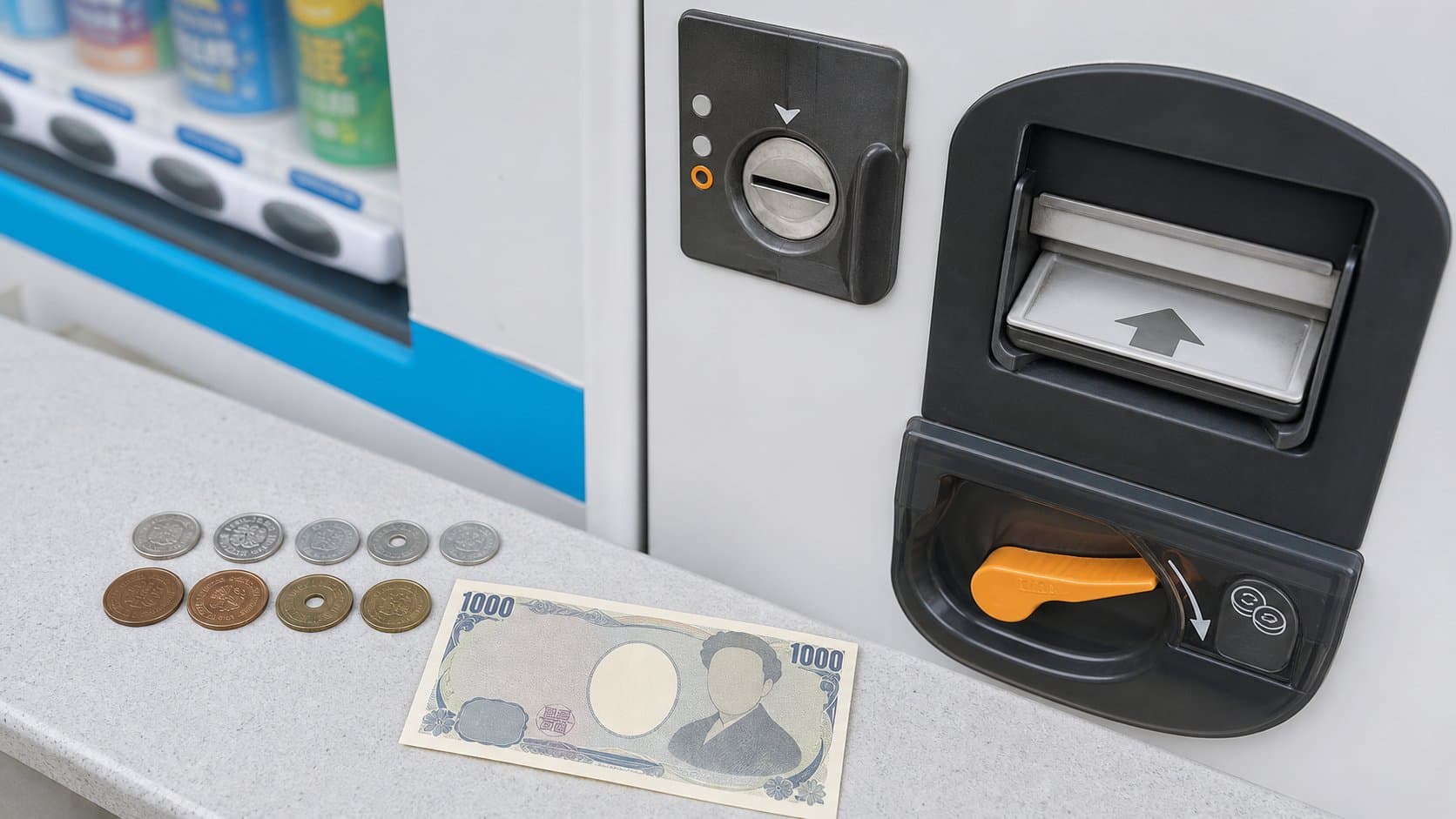
No. Use Suica or PASMO only when the individual machine displays a compatible transit IC or nationwide mutual-use mark. A machine beside a railway station is not automatically cashless, so keep coins or a supported ¥1,000 note as a fallback.
Which Japanese IC cards work at vending machines?+
Compatible machines may accept Suica, PASMO and other cards covered by the displayed nationwide mutual-use marks. Acceptance belongs to the specific reader, and exceptions exist, so compare the logo on your card with the marks shown on the machine before selecting.
Can I recharge Suica or PASMO at a vending machine?+
A product vending machine normally spends stored value; it is not necessarily a recharge point. Check your balance and top up at a supported railway ticket machine, convenience store or other official recharge location before attempting the purchase.
Why did my Suica or PASMO vending-machine payment fail?+
Common causes include insufficient balance, an unsupported reader, presenting several contactless cards together, selecting a sold-out item or following the steps in the wrong order. Check the screen and balance, present one card or phone once, then use cash or another machine if it still fails.
Continue planning your Japan trip
Build a complete Tokyo itinerary
Use this vending-culture stop as part of a fuller trip. Our in-depth Tokyo guide includes a realistic regional route, seasonal advice, transport planning, local food picks, official sources and licensed photography.
Help improve this field guide
Seen a machine we should verify?
Share a dated observation, current products, price, map pin or correction. The editorial team reviews evidence before updating the public database.
About the author
Japan Vending Guide Editorial Team
Our English-language editorial team documents Japan’s vending culture using cautious sourcing and location verification. Unverified details remain clearly marked.
Read our editorial policy →