What to Do If a Vending Machine Rejects Your Money
A calm troubleshooting sequence for rejected coins, notes, IC cards, sold-out buttons and change-return problems in Japan.
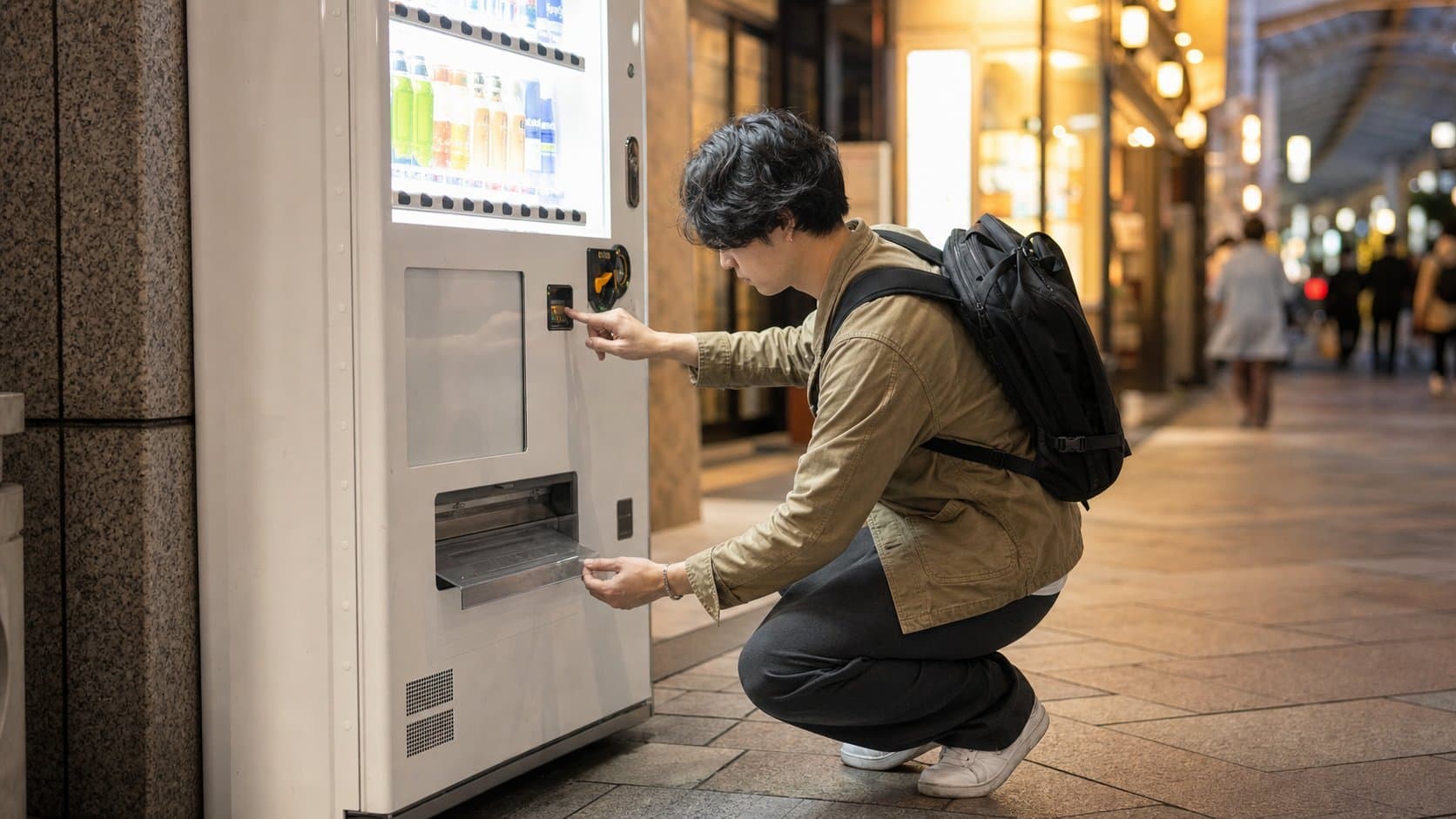
A rejected payment usually has a simple cause: the denomination is unsupported, the cash is damaged, the IC balance is low, the item is sold out or the machine has not completed the previous step.
What you will actually find
A coin may drop directly into the return tray, while a note can be pushed back out. On an IC machine, no confirmation sound or an error light can indicate insufficient balance or an unsupported card. A dark product button often means that the item cannot currently be purchased.
Practical advice
Pause before trying again. Retrieve the money, check the accepted-denomination icons, smooth a note, confirm the item and try once more. If payment appears to have been taken without a product, photograph the machine number and operator contact panel and seek venue staff help.
Rejected is different from charged
If the same coin or note immediately appears in the return tray, payment probably did not complete. If an IC reader confirms or the machine retains cash but no item drops, treat it as a possible failed sale. Check the product chute and change tray once, then record the amount, exact time and machine identifier instead of paying repeatedly.
Diagnose an IC-card failure
Confirm that the reader displays a supported transit e-money mark and that one card or phone was presented alone. A card may work at a railway gate yet lack enough stored value for the product, and Welcome Suica purchases cannot be split with cash. Check or recharge the balance at an official facility, or use a clearly supported fallback.
Prepare a useful support record
The operator label normally includes a company name, machine number or contact channel. Record the venue, floor or street position, time, product button, amount and what the machine displayed. Keep the returned cash and any receipt. Nearby station, airport or store staff may know the local operator, but do not expect unrelated staff to open or shake the cabinet.
Troubleshoot in order
- Check the coin return, note slot and change tray.
- Confirm the denomination and payment mark are supported.
- Check that the item button is available and the price is covered.
- Try one clean coin, note or IC card once more.
- If money is retained, record the machine ID, time, location and operator contact.
Continue planning
What not to assume
Do not hit, shake, tilt or pry open a machine. Avoid repeatedly inserting the same rejected cash; move to another payment method or machine when possible.
Sources and verification
Research status: reviewed July 13, 2026. Prices, products and installations can change; the live machine and operator are authoritative.
Continue planning your Japan trip
Build a complete Tokyo itinerary
Use this vending-culture stop as part of a fuller trip. Our in-depth Tokyo guide includes a realistic regional route, seasonal advice, transport planning, local food picks, official sources and licensed photography.
Help improve this field guide
Seen a machine we should verify?
Share a dated observation, current products, price, map pin or correction. The editorial team reviews evidence before updating the public database.
About the author
Japan Vending Guide Editorial Team
Our English-language editorial team documents Japan’s vending culture using cautious sourcing and location verification. Unverified details remain clearly marked.
Read our editorial policy →